
SOLANA / PUMP.FUN

BARCODE
TO TOKEN.

Scan a product barcode and launch its coin on Solana through Pump.fun.
ENTER A BARCODE
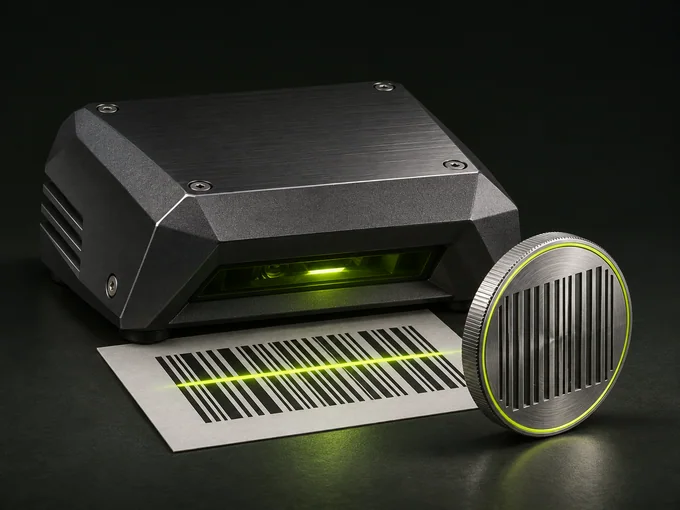
An industrial scanner reading a printed barcode beside a coin engraved with barcode stripes
BARCODE SCANNERCAMERA OR BARCODE NUMBER
BARPADUPC / EAN / GTIN
READY TO SCAN

Scan a barcode

Use your camera or enter the printed number to find the product and its photos.

UPC / EAN / GTIN
01 SCAN02 CONNECT03 LAUNCH
UPC / EAN / GTIN
PRODUCT DETAILS

Awaiting a barcode

A matched product and its photos will appear here.
↑ PRODUCT DATA

BARCODE LOOKUP / SOLANA TOKEN CREATION

Retail barcodes across categories. Automatic matches and pictures depend on catalog coverage.

ON SOLANA

RECENT
LAUNCHES.

Tokens created through BARPAD.
Only finalized launches are listed.

— TOKENS
LOADING LAUNCHES…

Retrieving launch records.

How it works

  1. 01

    Scan a product

    Scan a barcode or enter its digits to find the exact product. On desktop, the QR code opens the scanner on your phone.

  2. 02

    Set up the coin

    Choose a name and photo, enter an optional creator buy-in, and connect Phantom or Solflare.

  3. 03

    Review and launch

    Review the creator address and any buy-in, then approve in your wallet. That wallet receives creator fees and any tokens you buy.

These community-created tokens are independent of the product manufacturers.

Start with a barcode